






Video with sound
Veo 3.1 and Kling 3.0 make clips with sound, up to 1080p. Start from words or from a picture.
The best image and video AI models in one app. Describe what you want, pick a model, and watch it appear.
Version 1.0 · macOS 26 or later · 7 MB
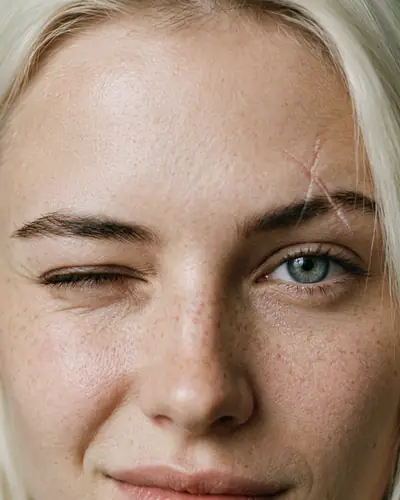
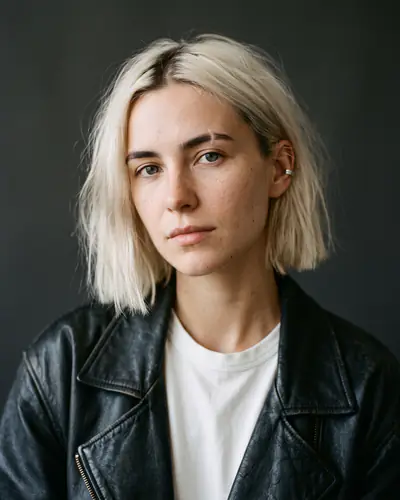
Extreme macro of her grey-green eye. The pink and cyan neon reflections in the iris shimmer, then she blinks once.
Kling 3.0
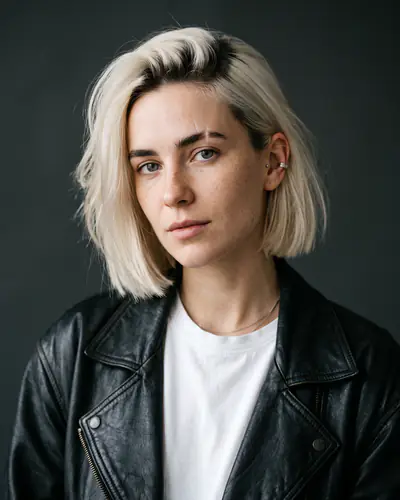
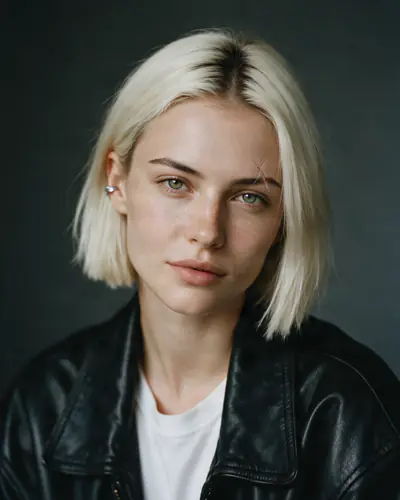
One made-up character, a new world in every shot and the same face every time. Every picture and clip on this page came out of the app.
Write what you want to see in plain words. Add photos of people or products if you like. SRG+ Create does the rest.

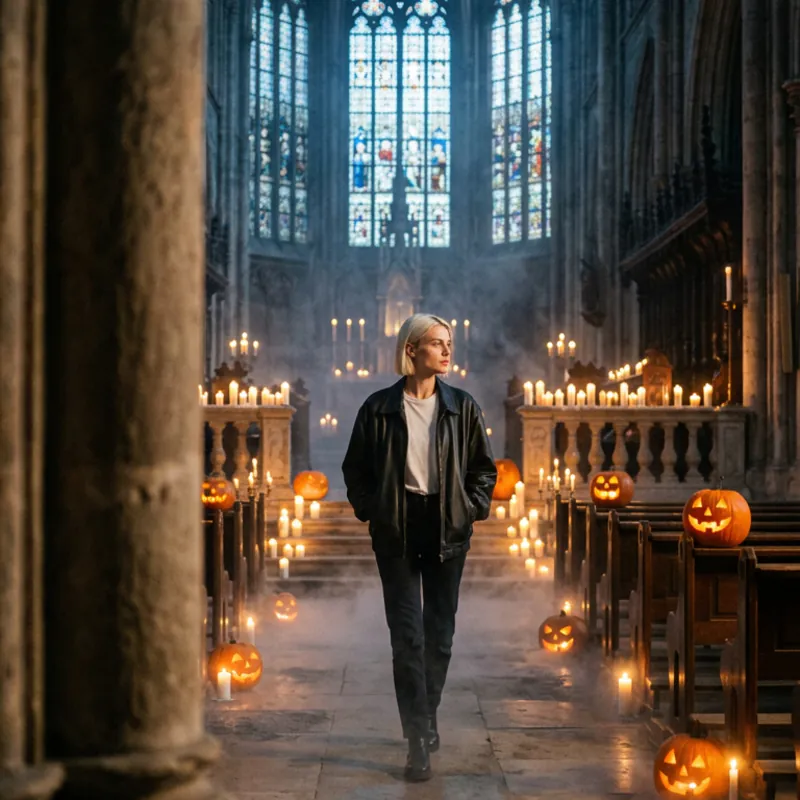

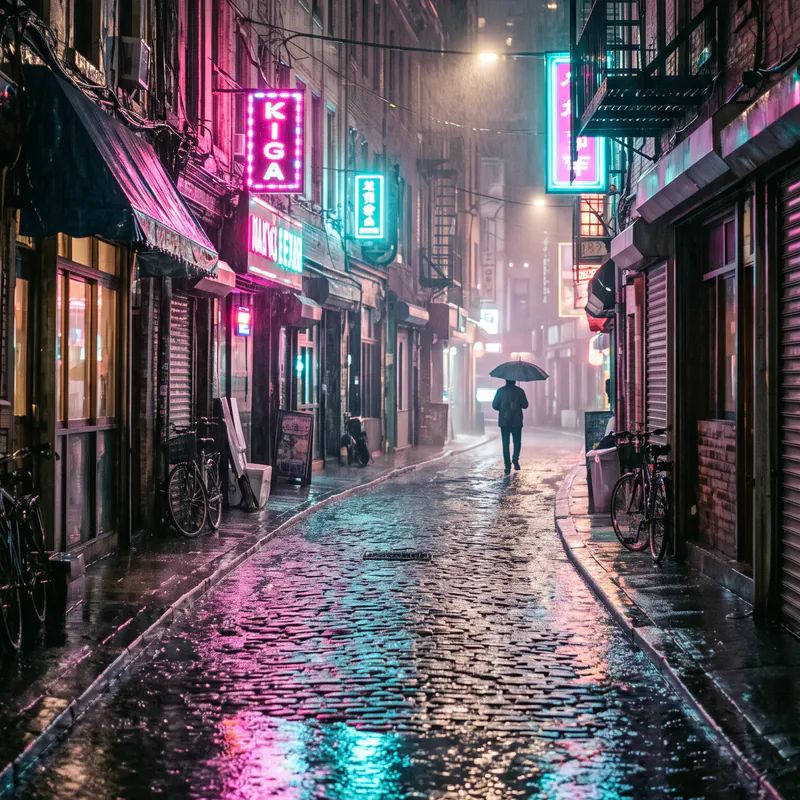

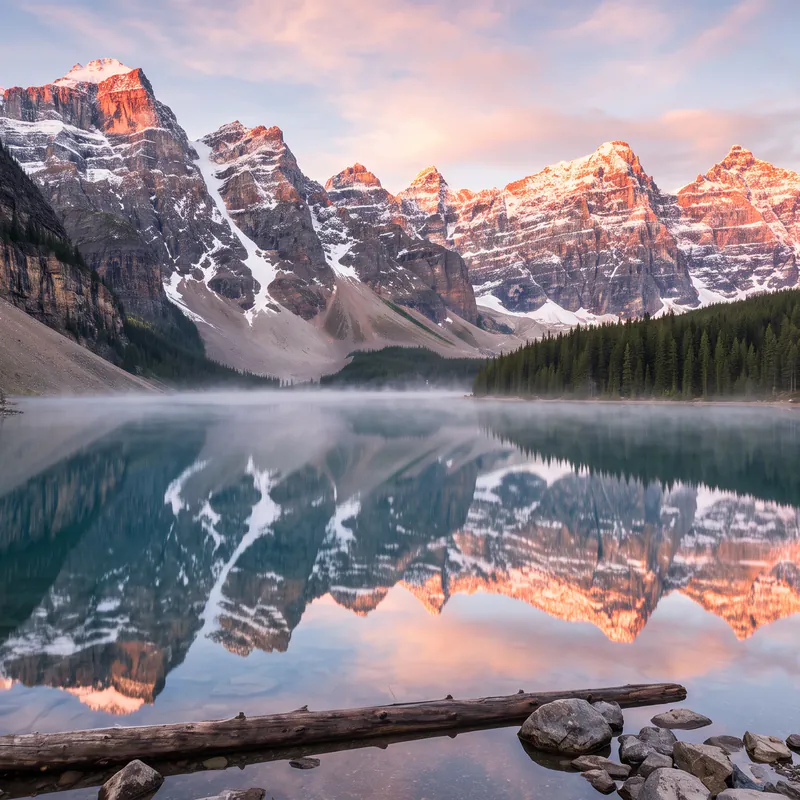
Google, OpenAI, Kling, ByteDance, Black Forest Labs and more, side by side. Pick the best one for the job, with one sign-in and one balance of credits.
Images
 GoogleNano Banana 2.1
 OpenAIGPT Image 2.5
 ByteDanceSeedream 5.0
 Black Forest LabsFLUX.2GoogleImagen 4 Ultra
 IdeogramIdeogram 3
 RecraftRecraft V4
 AlibabaQwen Image 2
 TopazUpscale to 4K
Video
GoogleVeo 3.1 KlingKling 3.0
 MiniMaxHailuo 2.3
 RunwayGen-4 Turbo
 LightricksLTX 2.5
 AlibabaWan 3.0Black Forest LabsFLUX.3 VideoMiniMaxHailuo 3TopazVideo Upscale
From one quick picture to a whole campaign: the tools a studio needs, in an app anyone can use.
Veo 3.1 and Kling 3.0 make clips with sound, up to 1080p. Start from words or from a picture.
Add photos of people and products, and the result keeps their look.

 14
14Posters, labels and ads with real, readable text.


4K pictures and upscales for print and big screens.
Every model shows its price in credits before you press Generate. No surprises.
What you make waits in one place. Use it again in one tap.





SRG+ Create speaks MCP, so Claude and other agents can make pictures and clips for you.
Each picture, clip and sound gets a signed AI label (C2PA Content Credentials) and an invisible watermark: SynthID where Google or OpenAI adds it, our own for the rest. The label names the model, its maker and the day, never your prompt, your name or your workspace.
Anyone can check a file for free. Even her clips on this page, made small for the web and stripped of their label, are still found by their watermark.
Check a file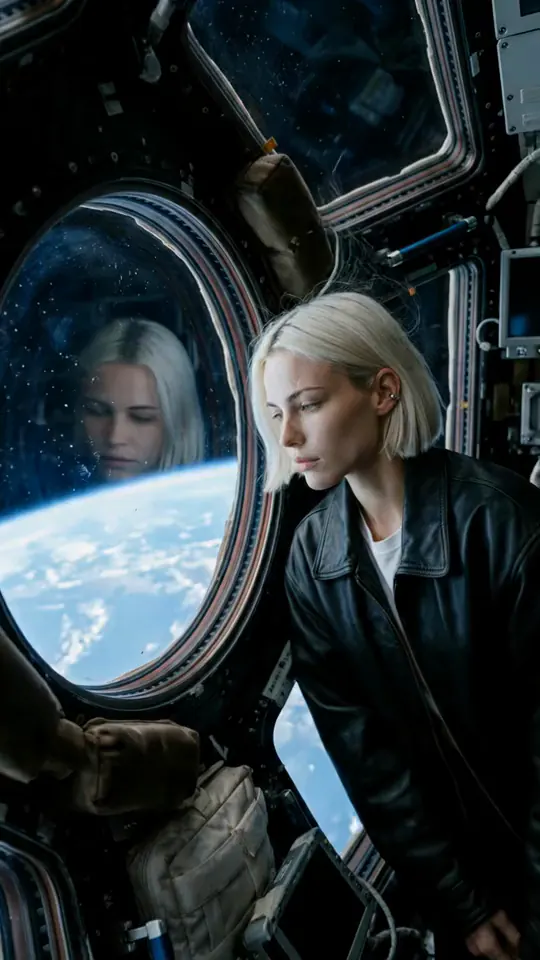



Your people, one library and one balance of credits.
Sign in with your SRG+ account: a code by email or text, no password.
From the App Store.
App Store coming soon